Quran Radio from Cairo
Your favorite Quran channels 24/7
Listen. Reflect. Feel Closer.
VarAudio brings you the Quran Radio from Cairo with crystal clear sound and a premium listening experience — music, radio, and more, all from the VarThings app.
Everything It Does
Your favorite Quran channels 24/7
Play your own MP3 files
Play MP3 from SSD storage
Rich, clear and immersive audio
Stable connection for best streaming
Intuitive and easy to use
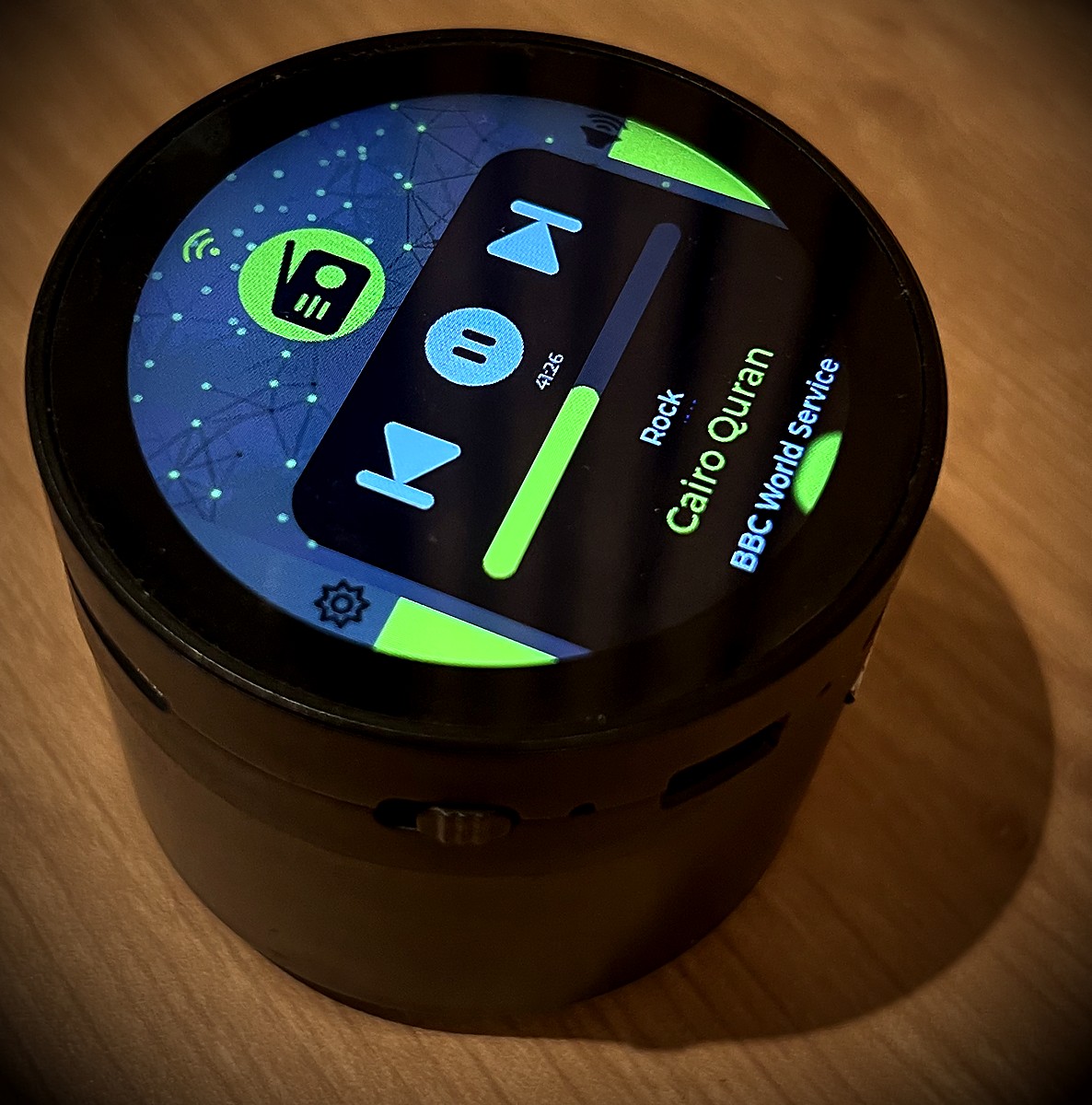
The Heart of VarAudio
VarAudio is built around one of the world's most beloved listening experiences — Cairo's Quran Radio. Crystal-clear streams, 24/7, always at hand.
Quran Radio from Cairo
Two Modes, One Device
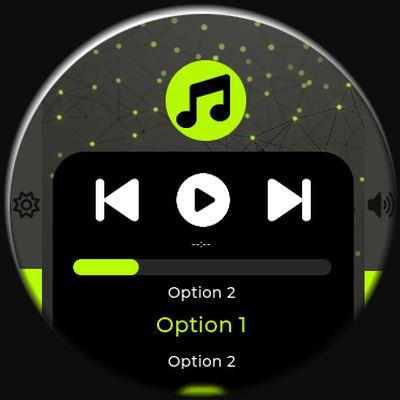
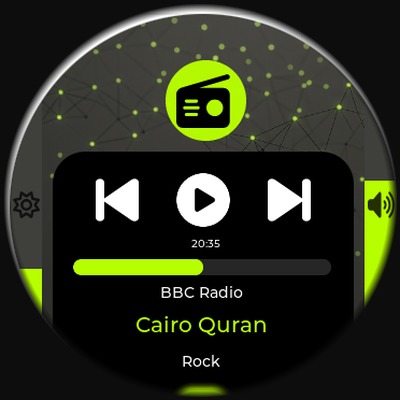
VarAudio adapts to how you listen. Toggle between modes directly from the device card in VarThings.
Play, pause, skip, and navigate tracks. Full transport controls with live playback status.
Stream internet radio from any station you add. Manage your list directly from VarThings.
Built to Last
Every physical detail serves the listening experience — nothing unnecessary, nothing missing.
USB Type-C charging — the modern standard. Fast, reversible, and works with any cable you already own. Power up anytime, anywhere.
Insert an SSD card with your MP3 collection and play everything locally — no internet needed, no buffering, no gaps.
Precision Controls
Two independent sliders give you granular control over volume and display brightness — no approximation needed.
A smooth, continuous 0–100 volume control. Set exactly what you want and VarAudio holds it. Works in both Music and Radio modes.
Adjust VarAudio's built-in display brightness from a comfortable minimum of 10 up to full 100. Perfect for night and day use.
Always Up to Date
VarAudio supports OTA firmware updates delivered wirelessly from VarApps. New features and fixes arrive without any physical access to the device.
Open VarThings and tap the OTA button on your VarAudio card. The app fetches the latest manifest from VarApps.
If a new version is available, VarThings downloads the firmware binary over your local network.
Firmware is pushed to VarAudio via HTTP. The device flashes and reboots — no cables, no computer needed.
Control VarAudio
VarAudio is controlled exclusively through the VarThings app. Free for iOS and Android.
Also part of the VarThings platform — explore all features →